Creating High-Content KDP Activity Books: Mastering Draw Practice Worksheets and Coloring Pages
The landscape of Amazon KDP has shifted dramatically in recent years. While low-content journals and notebooks once dominated the marketplace, today’s successful publishers are pivoting toward high-content activity books that offer genuine educational value. For creators targeting toddlers, preschoolers, and early elementary students, understanding how to draw KDP children activity pages is no longer just an artistic skill; it is a fundamental business strategy. Parents and educators are actively searching for resources that bridge the gap between entertainment and skill development, making draw practice worksheets and structured coloring pages some of the most profitable niches in self-publishing.
Creating these assets requires more than simple sketching. It demands a workflow that balances pedagogical effectiveness with technical print standards. Whether you are illustrating manually or utilizing digital assets, the end goal remains the same: delivering crisp, engaging, and age-appropriate content that stands out in a crowded marketplace.
Understanding Age-Specific Design Requirements
Before opening any design software or picking up a stylus, you must define your target demographic with precision. A worksheet designed for a three-year-old will fail if marketed to a six-year-old, and vice versa. When learning how to draw KDP children activity pages effectively, segmentation is your first step toward quality.
Toddlers (Ages 1–3)
For this group, simplicity is paramount. Fine motor skills are still developing, so lines must be thick, bold, and confident. Avoid intricate details or shading. The focus should be on basic shape recognition, large tracing lines, and simple object identification. Coloring pages for toddlers should feature single, centered subjects with ample white space to prevent visual overwhelm.
Preschoolers (Ages 3–5)
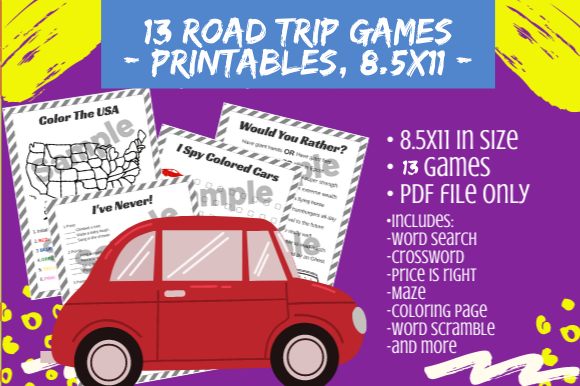
This demographic is ready for slightly more complexity. You can introduce dashed lines for tracing letters and numbers, connect-the-dots with fewer than 20 points, and coloring scenes with two or three interacting elements. The educational component becomes more explicit here, often integrating alphabet association or basic counting into the drawing practice.
Early Elementary (Ages 5–8)
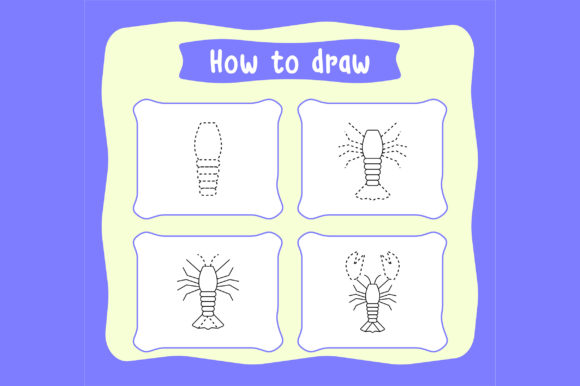
Students in this range can handle detailed illustrations, step-by-step drawing tutorials, and complex mazes. How-to-draw grids, symmetry exercises, and intricate mandalas become appropriate. The content should challenge their cognitive abilities while remaining fun and rewarding to complete.
The Technical Advantage of Editable EPS Files
In the high-content book business, efficiency and scalability are just as important as creativity. This is where file format selection becomes a critical business decision. While many beginners start with raster formats like PNG or standard JPGs, professional KDP publishers prioritize vector graphics, specifically editable EPS files.
An EPS (Encapsulated PostScript) file is a vector-based format, meaning the artwork is defined by mathematical equations rather than pixels. This offers distinct advantages for activity book creation:
- Infinite Scalability: You can resize a vector illustration from a business card to a billboard without losing a single ounce of clarity. For KDP, this means your lines remain razor-sharp regardless of trim size adjustments.
- Editability: Unlike a flattened image, an editable EPS allows you to modify individual elements. Need to thicken a line weight? Change the spacing of a tracing letter? Add a new character to a scene? You can do this instantly without redrawing from scratch.
- Consistency: Maintaining a uniform line weight across 100+ pages is difficult when drawing manually. Vector files ensure every page meets the same professional standard, which is crucial for customer reviews and brand reputation.
- Commercial Flexibility: Owning editable source files gives you complete control over your intellectual property, allowing for future adaptations, merchandise creation, or bundle expansions without licensing headaches.
Ensuring Print Quality with High-Resolution JPG Exports
While EPS files are ideal for editing and storage, Amazon KDP requires specific submission formats for the interior manuscript. This is typically a PDF compiled from high-resolution images. When exporting your final pages, adhering to strict resolution standards is non-negotiable.
Your exported files must be high-resolution JPG files at 300 DPI (dots per inch). Anything less than 300 DPI risks appearing pixelated, blurry, or muddy when printed on physical paper. Amazon’s automated review systems may even flag or reject manuscripts that fall below this threshold. When converting from vector EPS to raster JPG, always verify your export settings. A common mistake is designing at 72 DPI (screen resolution) and attempting to upscale later, which never produces acceptable print results. Always work at 300 DPI or higher from the very beginning of your project.
Designing Effective Draw Practice Worksheets
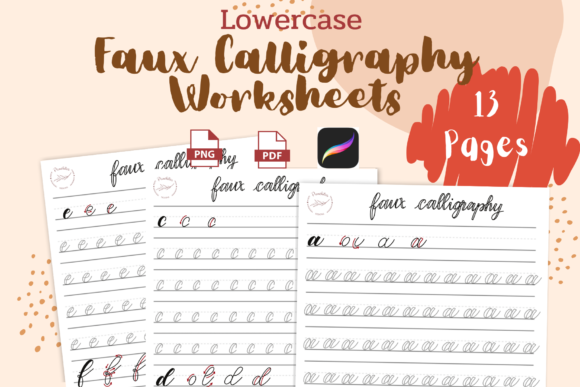
Draw practice worksheets serve a dual purpose: they entertain while building foundational writing and drawing skills. To create worksheets that parents actually purchase and teachers recommend, consider these structural elements:
- Progressive Difficulty: Structure your book so skills build upon one another. Start with straight vertical lines, move to curves, then shapes, and finally complex figures. This scaffolding approach keeps children engaged rather than frustrated.
- Clear Visual Instructions: Minimize text. Toddlers and preschoolers cannot read complex directions. Use arrows, numbered steps, and ghosted guide lines to communicate what the child should do.
- Adequate Workspace: Leave sufficient margin space, especially on the inner gutter. Nothing frustrates a young learner more than having to color or trace near the book’s binding. A safe zone of at least 0.375 inches on all sides is recommended, with extra padding on the gutter side.
- Repetition with Variation: Children learn through repetition, but identical pages cause boredom. Create templates where the core skill remains constant but the theme changes—tracing circles using apples, then wheels, then suns.
Crafting Engaging Coloring Pages for Commercial Success
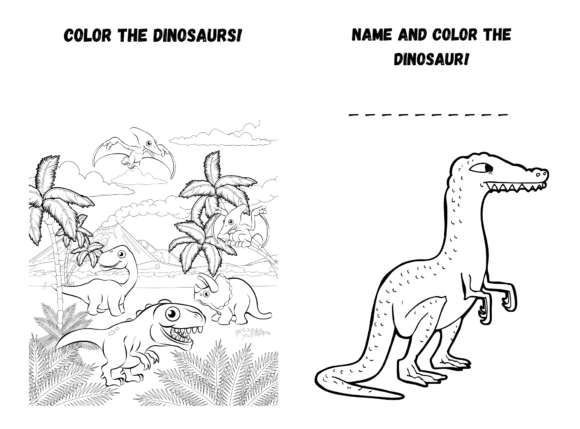
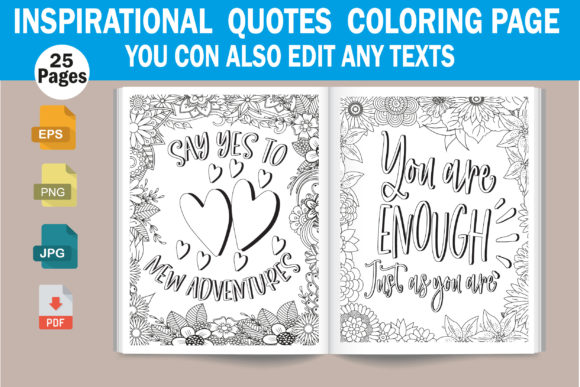
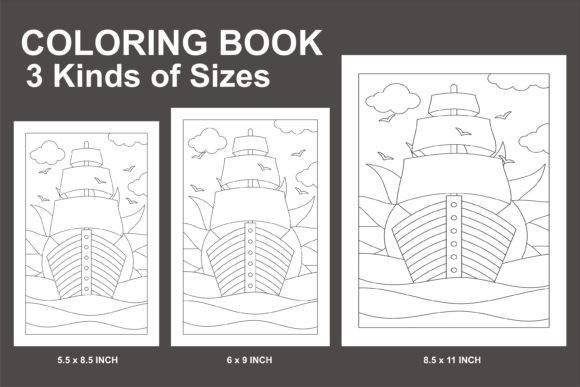
Coloring pages remain the backbone of the children’s activity book market, but saturation demands higher quality. Generic clip-art compilations no longer perform well. Modern buyers seek cohesive themes, original artwork, and thoughtful composition.
When designing coloring pages, line weight consistency is critical. Lines that are too thin may disappear during printing, while lines that are too thick can look amateurish. For preschoolers, 2–3 point strokes work well; for older children, 1–2 point strokes allow for greater detail. Always test print a sample page before finalizing your manuscript to verify how line weights translate to physical paper.
Consider including “color by number” or “finish the picture” variations to add interactive value. These hybrid activities extend engagement time and differentiate your book from competitors offering only traditional coloring pages. Additionally, leaving intentional blank spaces or border areas allows children to add their own creative elements, transforming passive coloring into active creation.
Streamlining Your Production Workflow
Building a sustainable high-content KDP business requires systems. Leveraging editable EPS files dramatically accelerates production. Instead of drawing 50 unique animal illustrations from scratch, you might create 10 base poses and modify them through mirroring, scaling, and element swapping. This doesn’t mean sacrificing originality; it means working intelligently within a consistent style framework.
Organize your asset library systematically. Tag files by theme, age group, difficulty level, and orientation. When you understand how to draw KDP children activity pages as part of a larger production pipeline, each new book becomes faster to create. Over time, you accumulate a proprietary library of tested, high-quality assets that compound in value.
Remember that technical excellence supports creative vision. By combining age-appropriate design principles, editable vector workflows, and rigorous 300 DPI export standards, you position your activity books as premium educational resources. In a marketplace increasingly driven by quality signals and customer satisfaction, these practices aren’t optional—they’re the foundation of a thriving high-content publishing business.